NewIntroducing CriticalAsset
The platform behind every InsureMEP report.
InsureMEP sets the standard for water risk. CriticalAsset is how the work gets done — the app that walks the building, the record that holds it, the specialists that read it and the score that proves it. Every feature on InsureMEP runs on it.
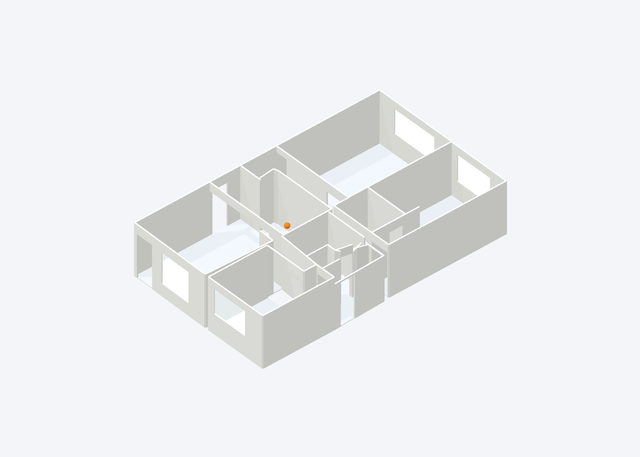 A 3D replica from a LiDAR walk; orange marks a recorded control.
Two brands · one promise
You work with InsureMEP. It runs on CriticalAsset.

The standard and the team.
The free Emergency Controls Report, the Water Containment Report, the broker partner programme and carrier access — and the people who walk your building.
What you work with
The product that does the work.
The iPhone and iPad app, the web workspace, the building record, the specialists and CARS — the same platform under every report, plan and score.
What it runs onUnder every feature
Everything on InsureMEP runs on CriticalAsset.
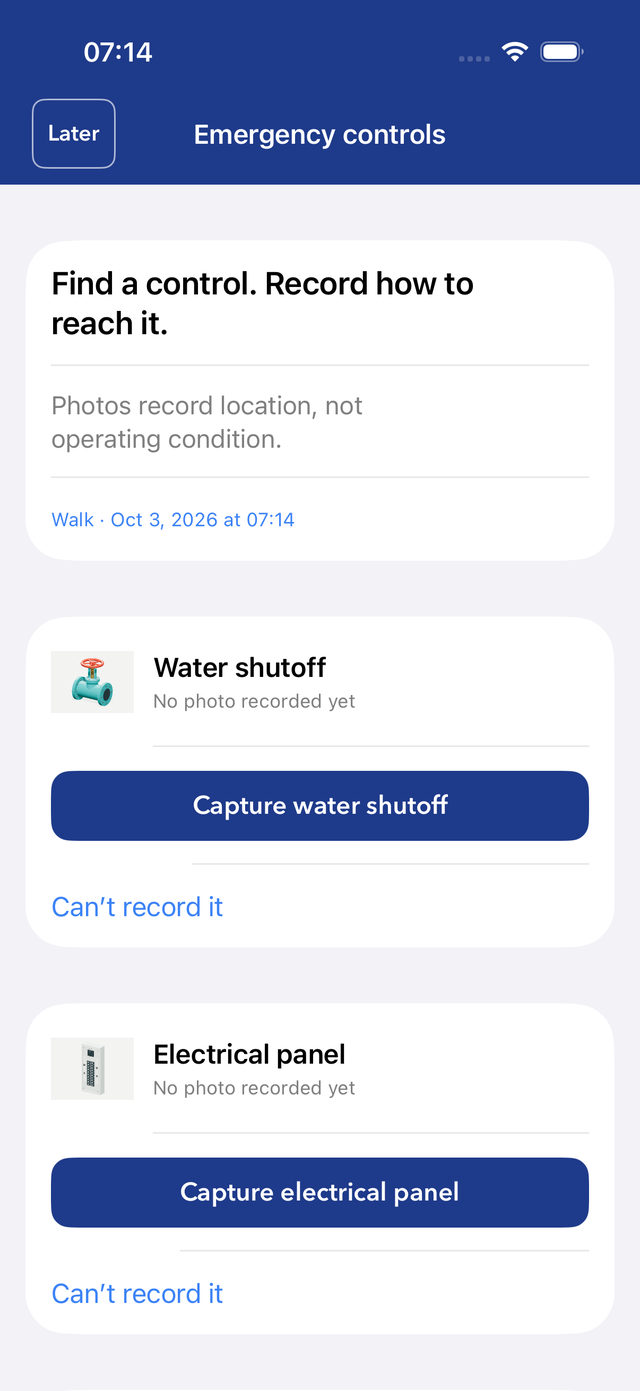
- InsureMEPFree Emergency Controls ReportCriticalAssetThe appThe emergency walkthrough asks for each control in turn; each one is photographed where it is and placed on the plan.See it →
- InsureMEPYour floor plans, mappedCriticalAssetThe building recordPlans imported, scaled and calibrated, with controls, equipment, files and contacts in one record.See it →
- InsureMEPThe Water Containment ReportCriticalAssetThe specialistsCLEO reads the documents into cited records, MAX renders judgment, and the verifier recomputes every number.See it →
- InsureMEPA CARS score and bandCriticalAssetThe CriticalAsset Risk ScoreEleven categories, fixed weights, recomputed by a deterministic checker — never taken on a model’s word.See it →
- InsureMEPEvidence for brokers and carriersCriticalAssetSharingA frozen copy that shows exactly what is in it and what never is. You decide who sees it.See it →
- InsureMEPThe free residential versionCriticalAssetCriticalAsset for homesScan your home and mark the essentials, free on iPhone and iPad.See it →
01 · The app · iPhone & iPad
Walk the building. Leave with the record.
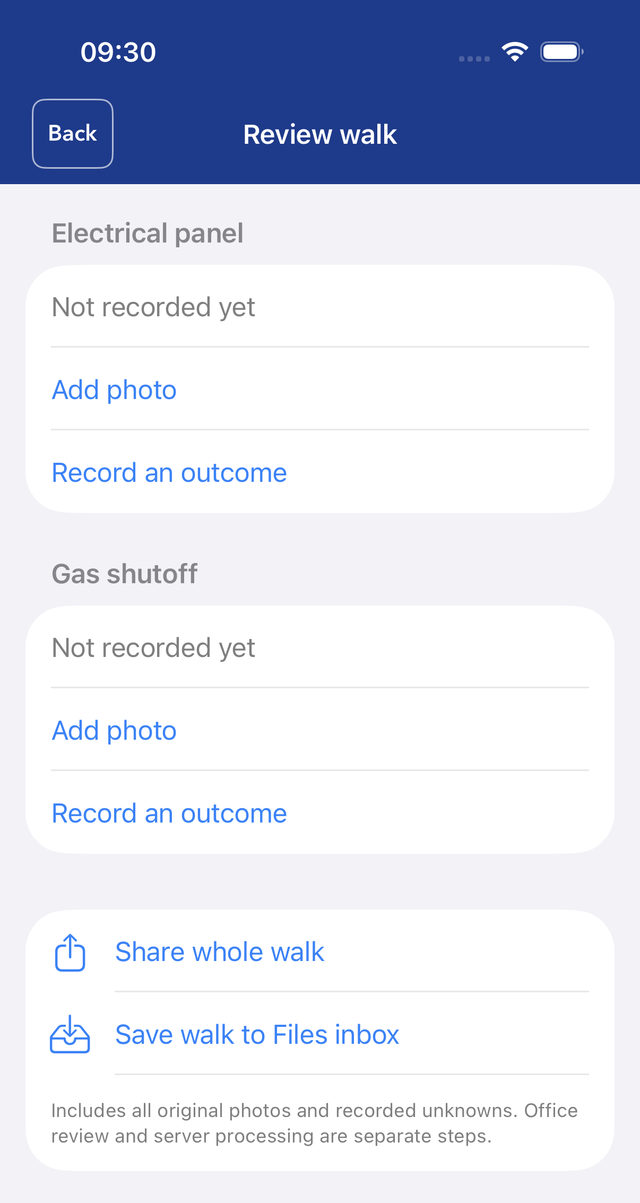
Our field team walks your building with the CriticalAsset app. Rooms become a 3D model and a plan; shutoffs, panels and risers are photographed where they are and placed in 3D.
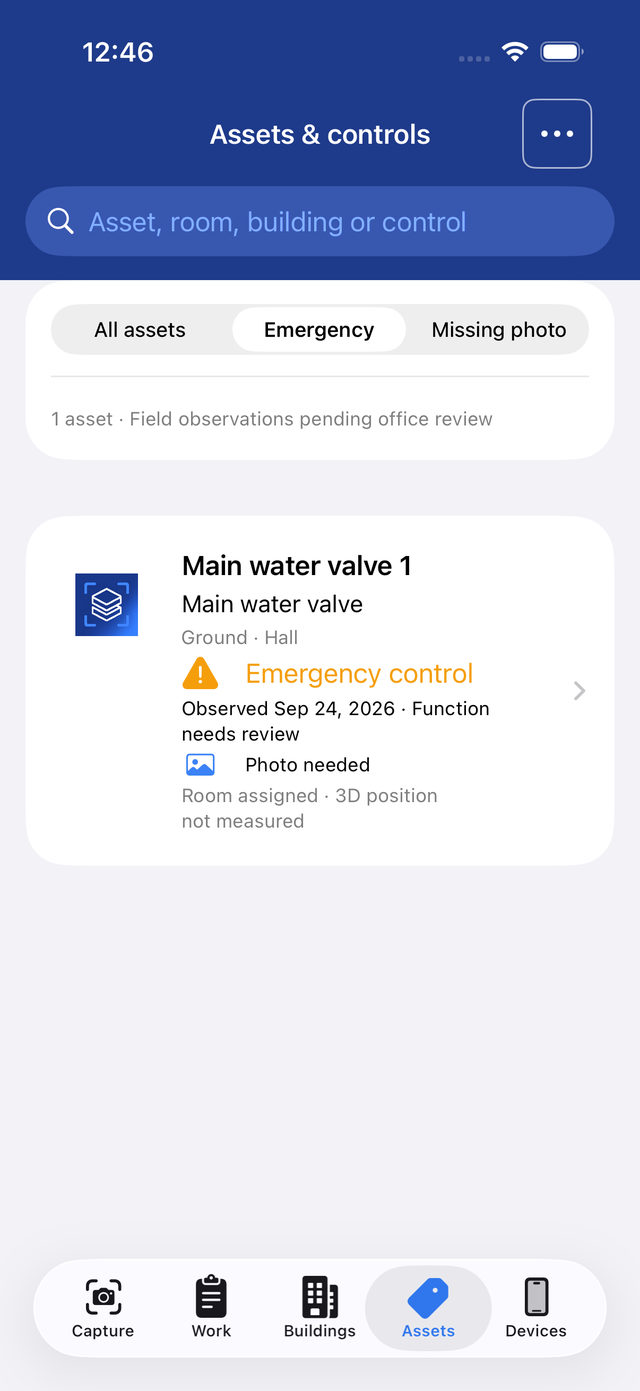
- It asks for each control in turnWater and gas shutoffs, main disconnects and panels — each photographed on the spot, or marked “can’t record it” with a reason.
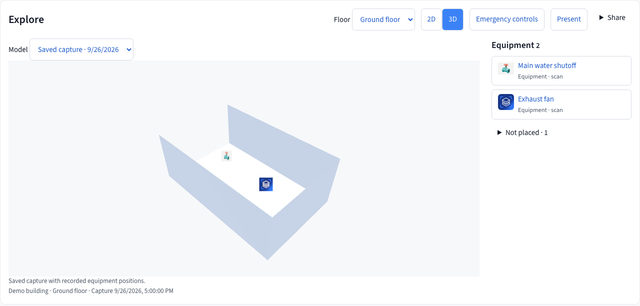
- A 3D replica from a LiDAR walkOrange rings mark recorded controls. Anything not yet placed stays listed, not hidden.
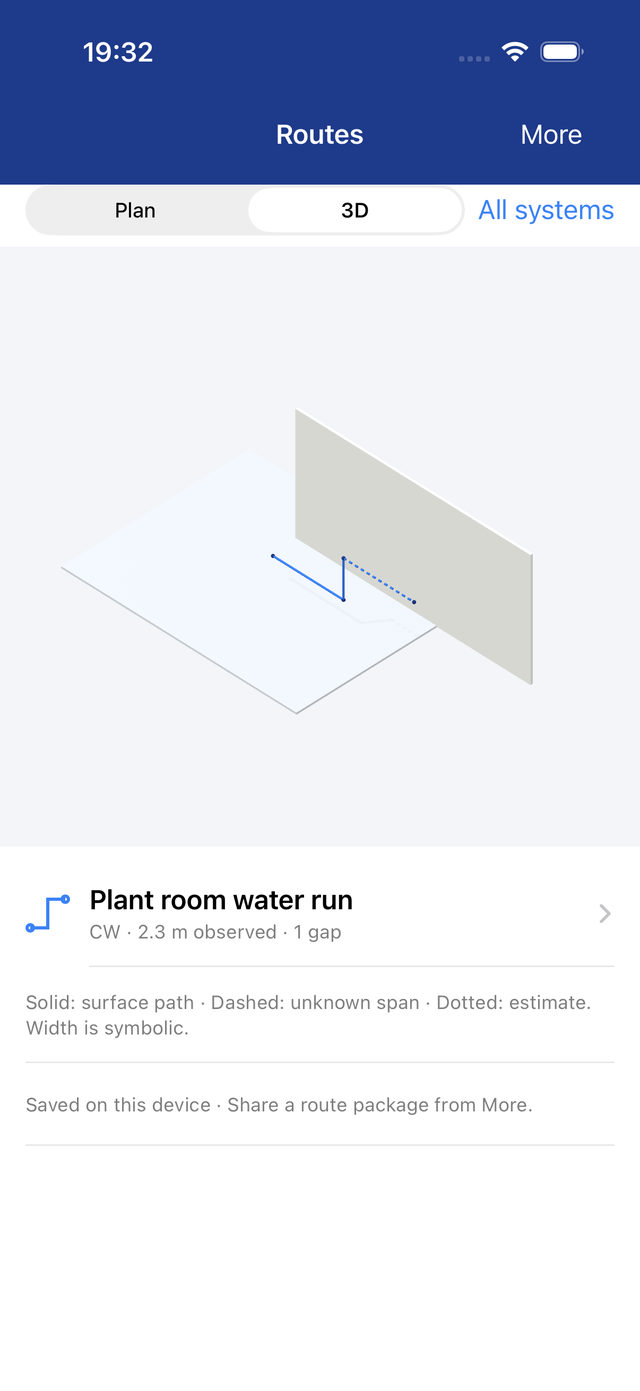
- Routes, traced honestlyPipes, power conduit and air ducts: measured spans solid, unknown spans dashed, estimates dotted. Estimates never count as measured.
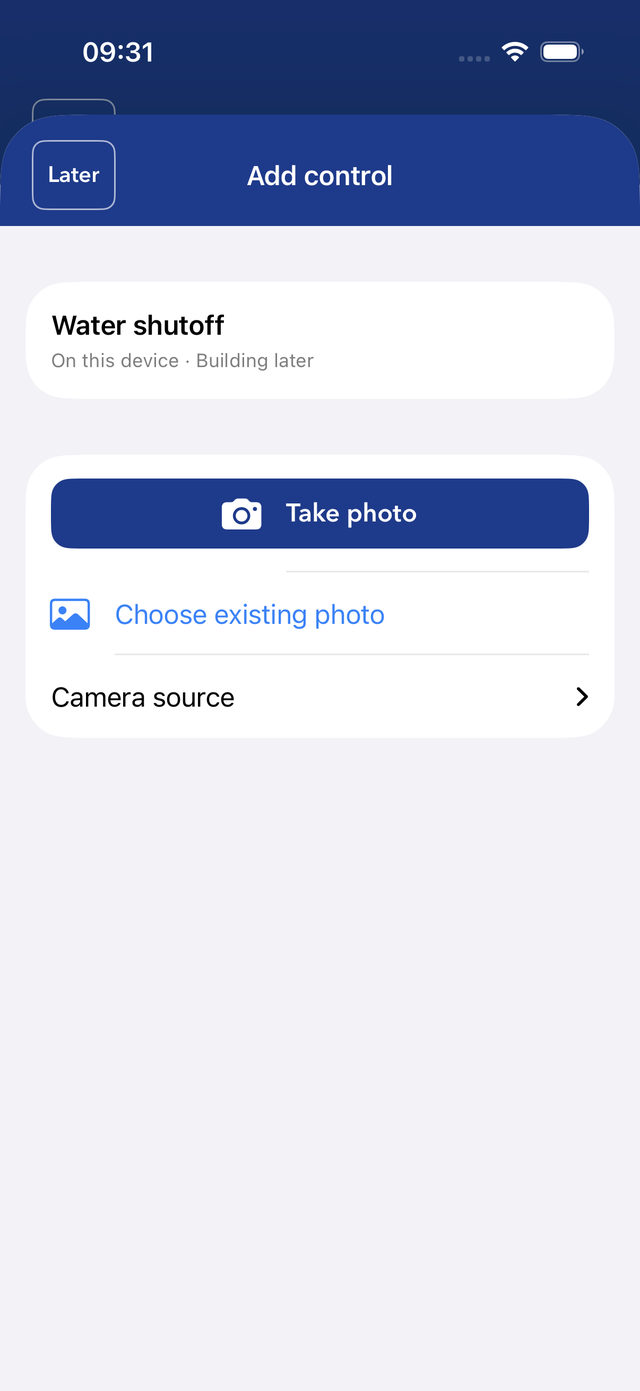
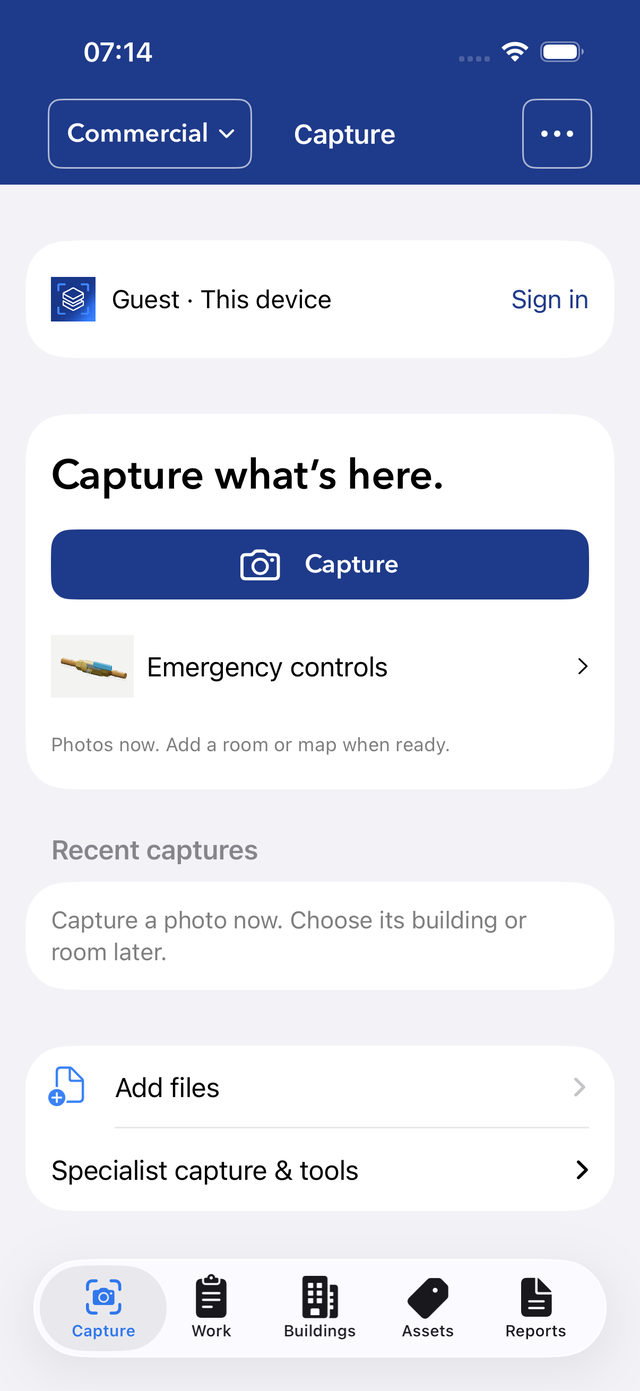
- Capture first, file laterPhotograph now and file it to a room or plan when ready. Plans, photos and SOPs come in from Mail, Files or Photos.
02 · The building record · web
One building. One record. Every fact cited.
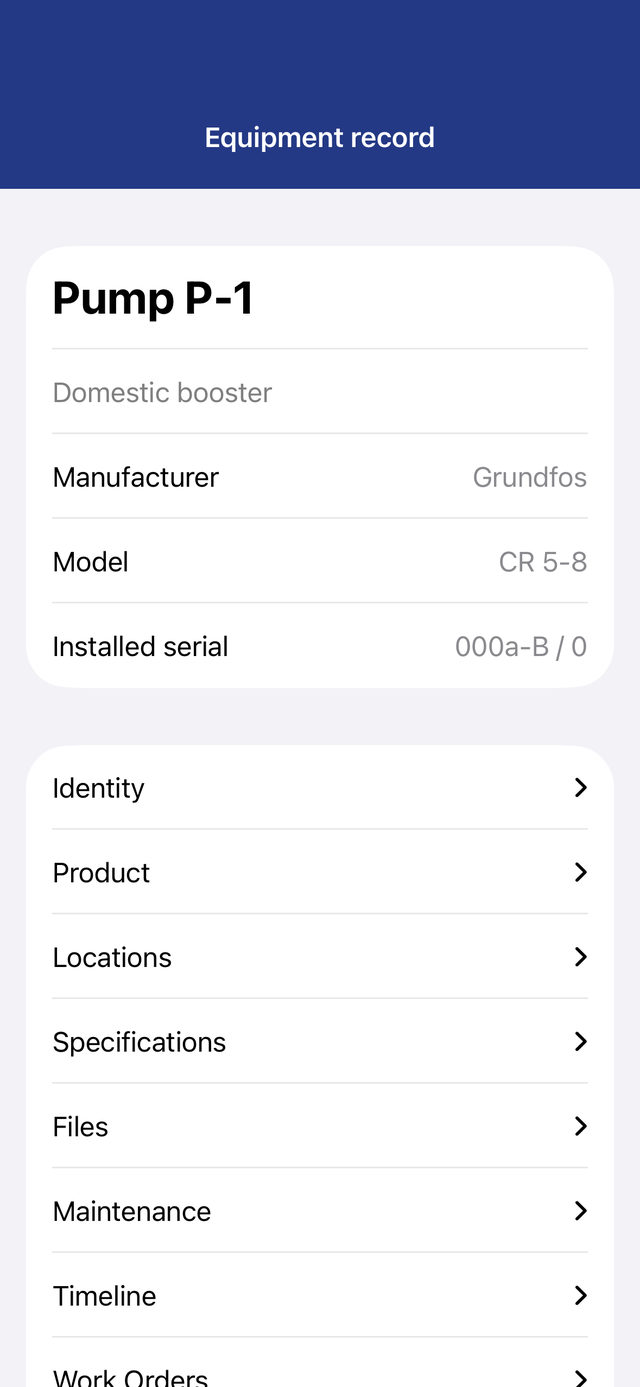
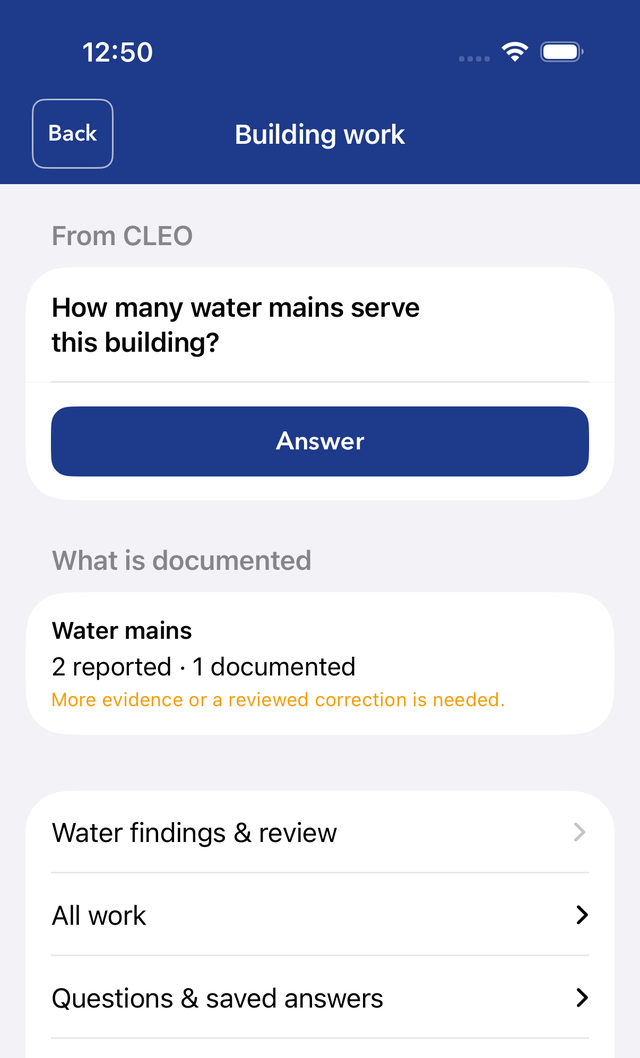
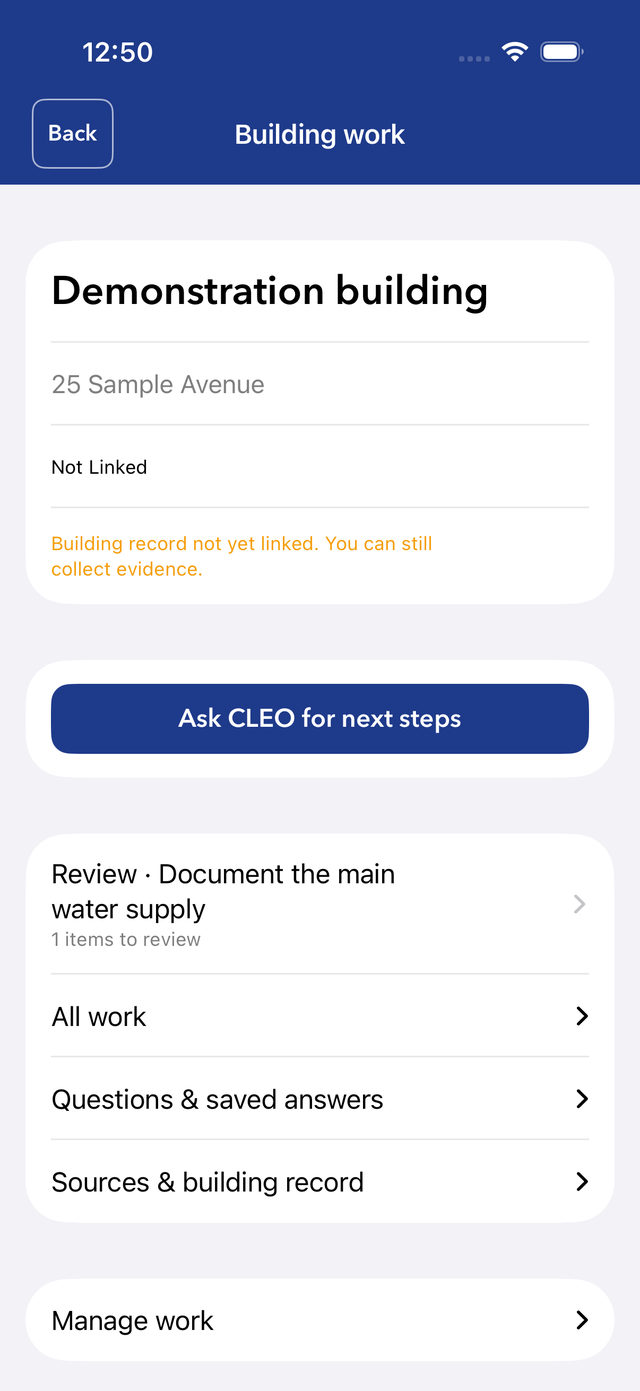
Everything the walk and the documents produce lands in one record, connected the way the building is connected. A valve knows what it isolates; a panel knows what it feeds.
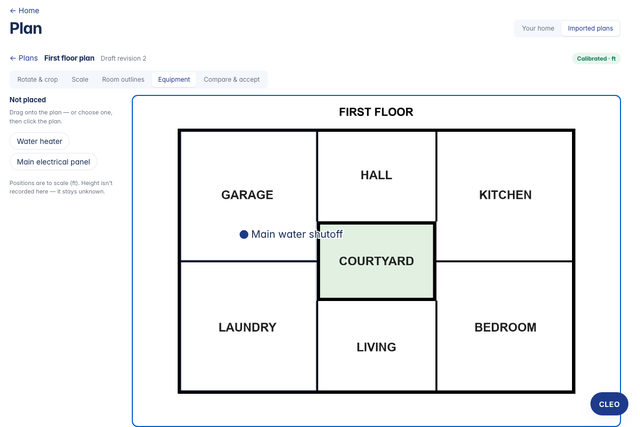
- Plans, scaled and calibratedImported drawings, with the main water shutoff pinned where it is.
- Every asset, one recordIdentity, location, files, maintenance and work orders together.
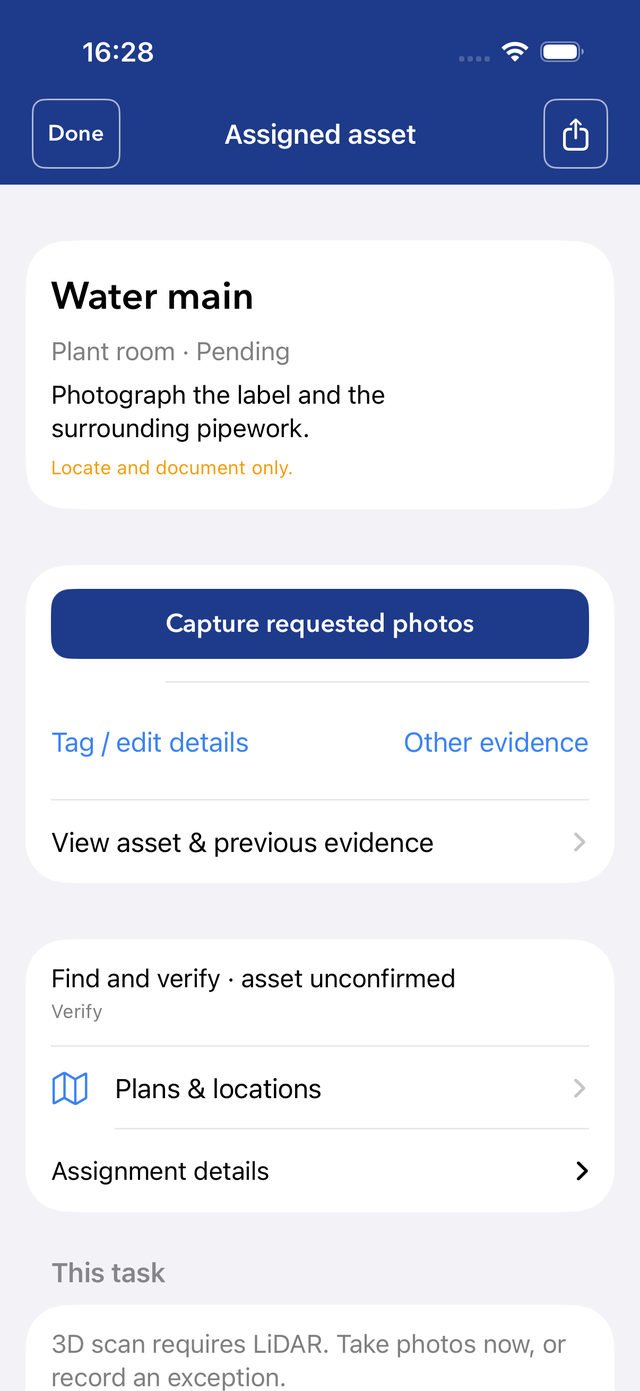
- Work orders that reach the right roomA work order opens straight to the asset it is about, with the photos it asks for.
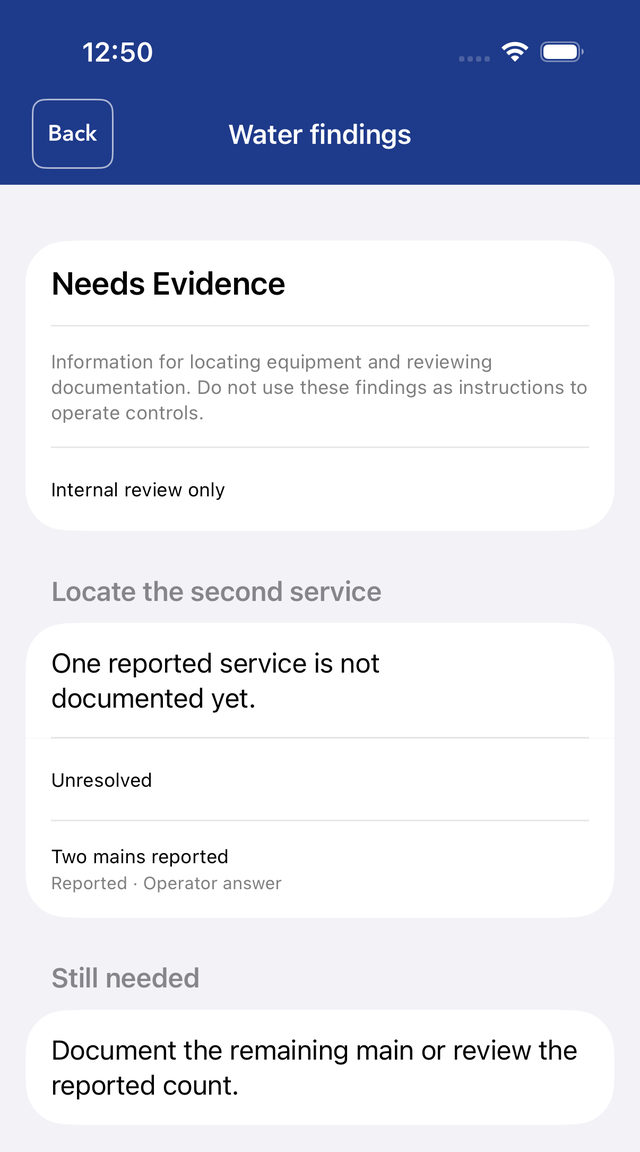
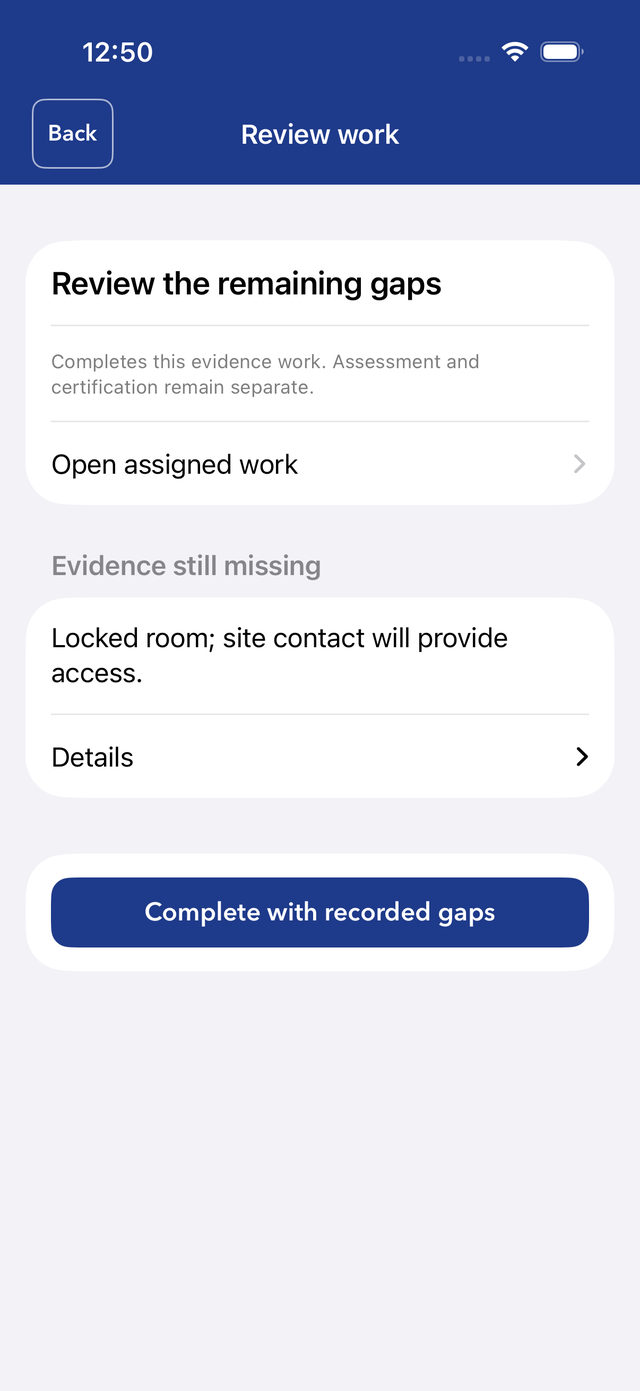
- Unknowns stay visibleA locked room or a missing record is kept as a gap — never smoothed over.
03 · The specialists
CLEO reads. MAX judges. The verifier checks.
Two purpose-trained specialists and one deterministic checker produce every assessment. Licenses are earned by blind board examination against fixed answer keys, and the boards have teeth: candidates that failed were never seated.
CLEO
Plan room foreman · four desksReads plan sets, riser diagrams, panel schedules, fire-alarm loops and lab reports into structured records, with a page number on every one. A detail the documents don’t contain is reported as absent, never assumed.
Reads a riser diagram like a novel.
MAX
Chief inspector · five licensesRenders judgment from CLEO’s records and the building’s evidence, the same way every time. A sparse file gets an honestly low score — never a guess.
I don’t say trust me. I say look at line 14.
The verifier
Deterministic checkerRe-derives every number and checks every citation before anything reaches you. The same inputs give the same answer, every time.
When a specialist and the verifier disagree, the verifier wins.
Our own models, on our own infrastructure. No third-party AI in the path from your data to your report.
04 · CARS
The CriticalAsset Risk Score.
Eleven categories, fixed weights, one score and band — computed from the building’s own records and recomputed by the checker. No credit for what isn’t on record; the report is marked provisional until the evidence is captured.
- Asset graph completeness12.5%
- Fed-from / fed-to quality12.5%
- Isolation control12.5%
- Detection coverage10%
- Power dependency control7.5%
- Maintenance obligation execution10%
- SOP & curtailment readiness10%
- Recovery & restoration readiness10%
- Physical access readiness5%
- Tabletop & training proof5%
- Time-series evidence quality5%
05 · Trust, enforced
Intelligence proposes. Evidence decides.
Every rule here is a check that runs in code or a boundary the system cannot cross — not a policy someone has to remember.
06 · CriticalAsset for homes
At home? It’s free.
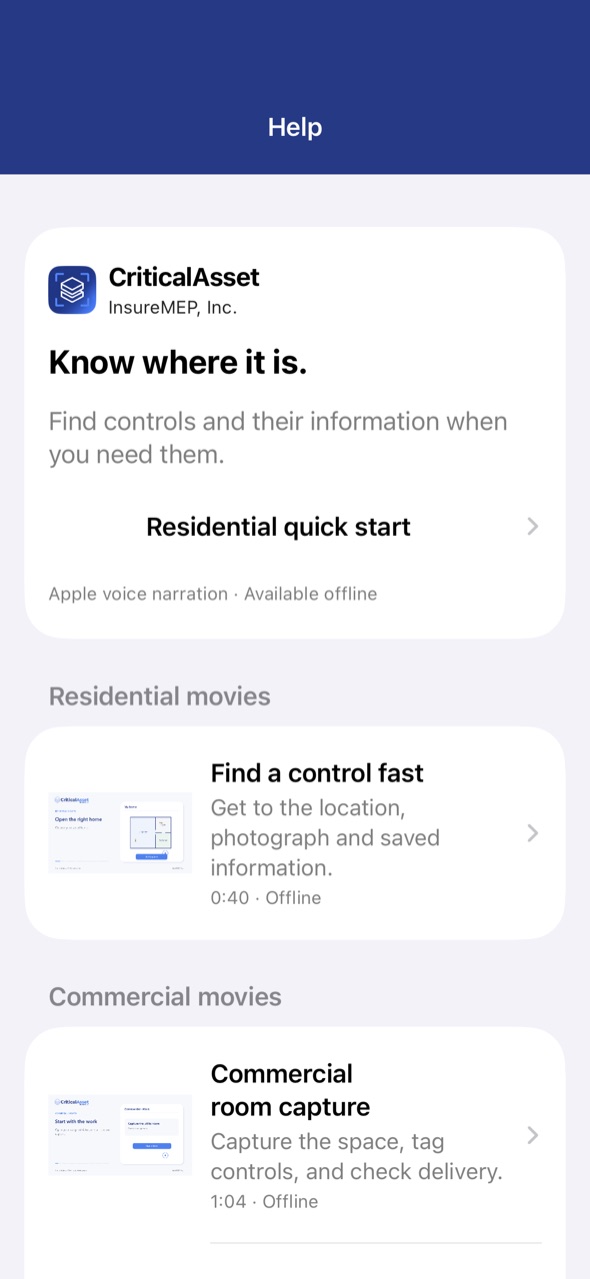
Scan your home, mark the water shutoff, gas shutoff, main disconnect and electrical panel, and keep a home record you can share — free on iPhone and iPad.
Now in beta through Apple TestFlight · iOS 17.2 or later · everything stays on your phone until you sign in.
Get CriticalAsset
The apps. Pick yours.
CriticalAsset · public beta · iPhone & iPad
Walk your property. Prove it’s ready.
One walk with your iPhone or iPad captures the shutoffs, panels and equipment that decide how a bad day goes, and turns it into a record your broker can put in front of an underwriter. Free for homes.
Now in beta through Apple TestFlight · iOS 17.2 or later · everything stays on your phone until you sign in.
Meet CriticalAsset on your own building.
Start with the free Emergency Controls Report: we walk the building with the CriticalAsset app, map your floor plans and every emergency control, and hand you the report and a plan — free.